AI Headshot Generator for Professional Photos
Turn your selfies into professional AI headshots, LinkedIn photos, business portraits, and profile pictures in minutes. No photographer, no studio, no experience needed.
- 30+ professional AI headshot styles — business, LinkedIn, corporate, and creative
- Upload a selfie, get polished results ready to share
- Available on iPhone, Android, and web — generate anywhere
See the transformation
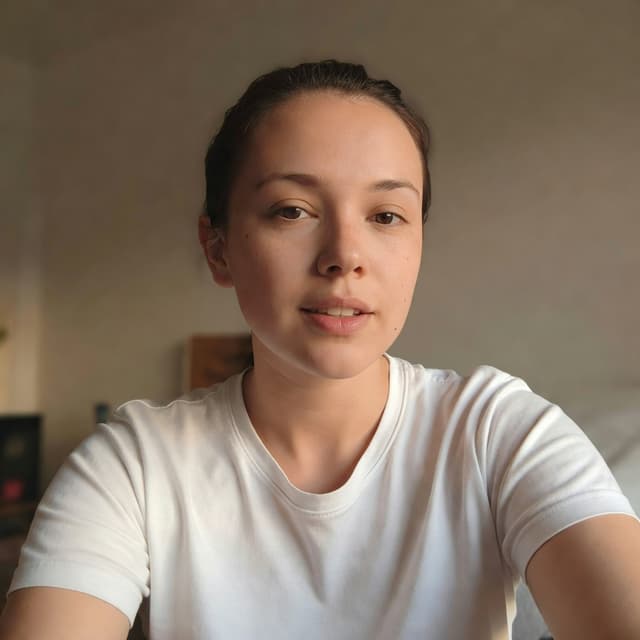
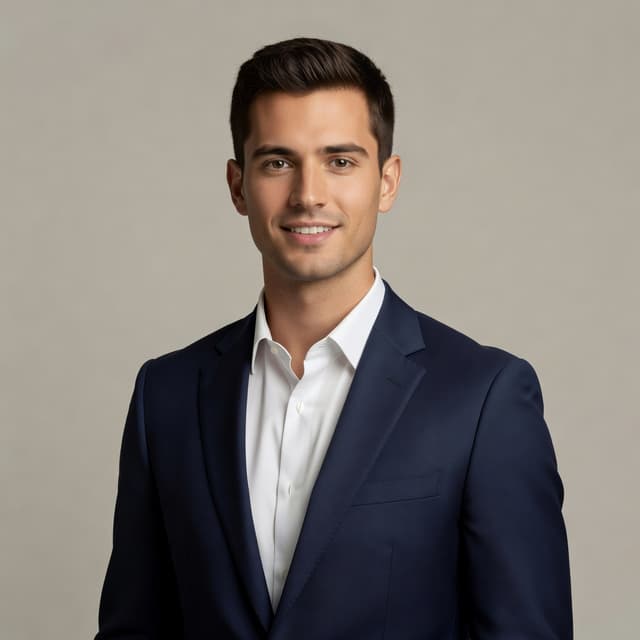
Professional AI headshots generated in minutes
What is SelfAI – AI Headshot Generator?
SelfAI is an AI headshot generator and AI photo studio app that turns everyday selfies into professional-quality headshots, business portraits, LinkedIn photos, and profile pictures using artificial intelligence. Upload a photo, choose from 30+ professional styles, and get polished AI headshots ready for LinkedIn, resumes, and business profiles in minutes. SelfAI is available on iPhone, Android, and web — no photography experience or studio equipment needed.
- Upload a selfie or portrait photo from your phone or computer
- Choose from 30+ professional AI headshot styles
- Get polished headshots in minutes — LinkedIn ready, resume ready
- Download and use on any platform, profile, or business page
How the AI Headshot Generator Works
Three simple steps. Upload. Choose. Download. That's it.
Upload Your Photo
Take a fresh selfie or pick a recent photo. Use a clear, well-lit, front-facing photo for best AI headshot results. No professional camera needed.
Tip: Good lighting = better results
Choose a Style
Pick from 30+ professional AI headshot styles — corporate executive, LinkedIn professional, natural light, studio, monochrome, retro, fashion, and more.
Download Your AI Headshot
Your AI headshot generator creates polished professional portraits in minutes. Download in high quality and use on LinkedIn, resumes, company pages, and social media.


Everything Your AI Photo Studio Can Do
From professional headshots to creative portraits — one app, 30+ styles, endless possibilities.
AI Headshot Generator
Generate professional headshots from selfies using advanced AI image technology
30+ Photo Styles
Business, LinkedIn, corporate, natural light, studio, monochrome, retro, fashion, and more
AI Photo Studio
Your personal photo studio in your pocket — available anytime, anywhere, on any device
Business Portraits
Create polished corporate and business headshots for company websites and email signatures
LinkedIn Photos
Generate LinkedIn-ready headshots that look professional, approachable, and recruiter-friendly
Profile Pictures
Create polished profile photos for any platform — social media, dating apps, or personal websites
Resume & CV Photos
Clean, professional headshots suitable for job applications, portfolios, and career pages
Fast & Easy
Upload, choose, generate. Your AI headshots are ready in minutes — no editing skills required
30+ Professional AI Headshot Styles
From corporate executive to creative editorial — choose the style that fits your brand.
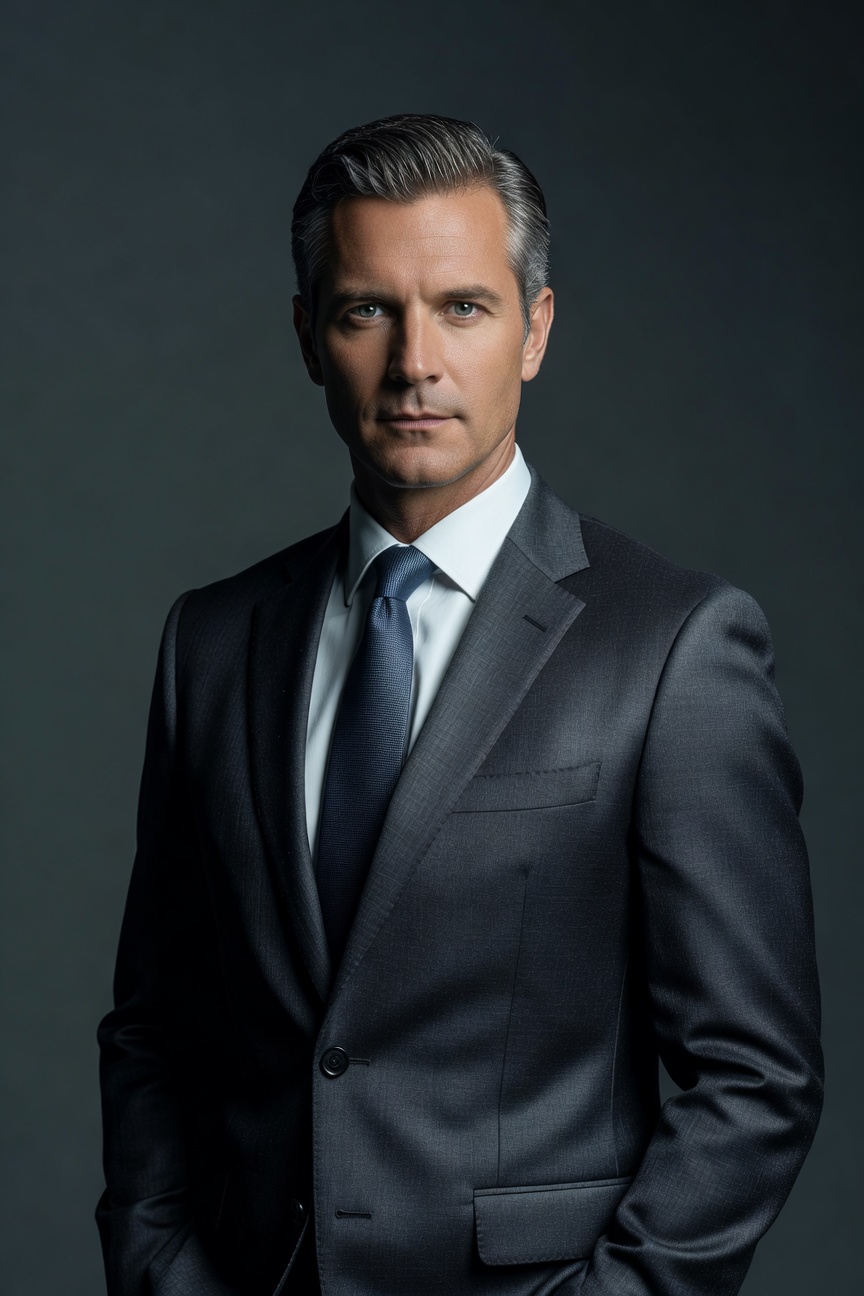 📸
📸Corporate Executive
Corporate Executive
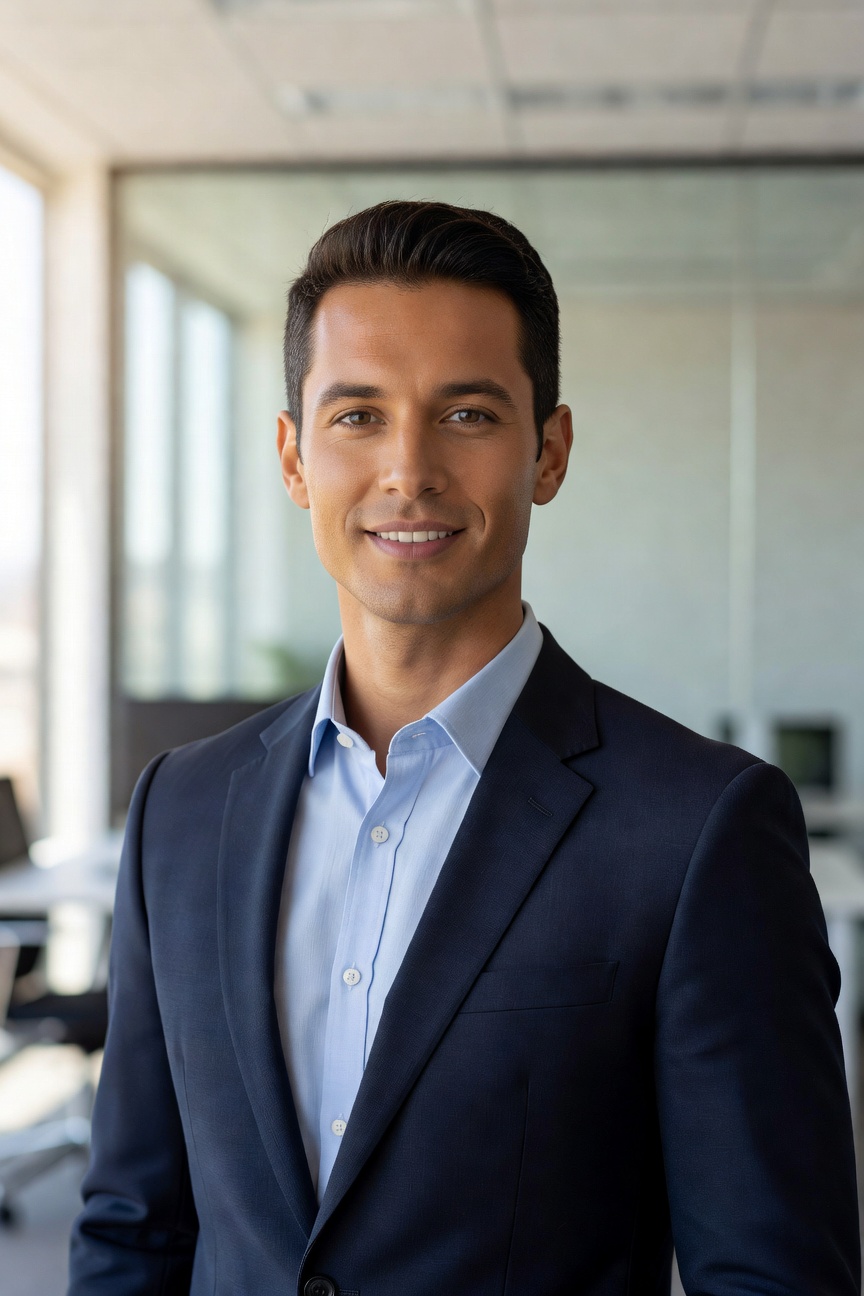 📸
📸LinkedIn Pro
LinkedIn Pro
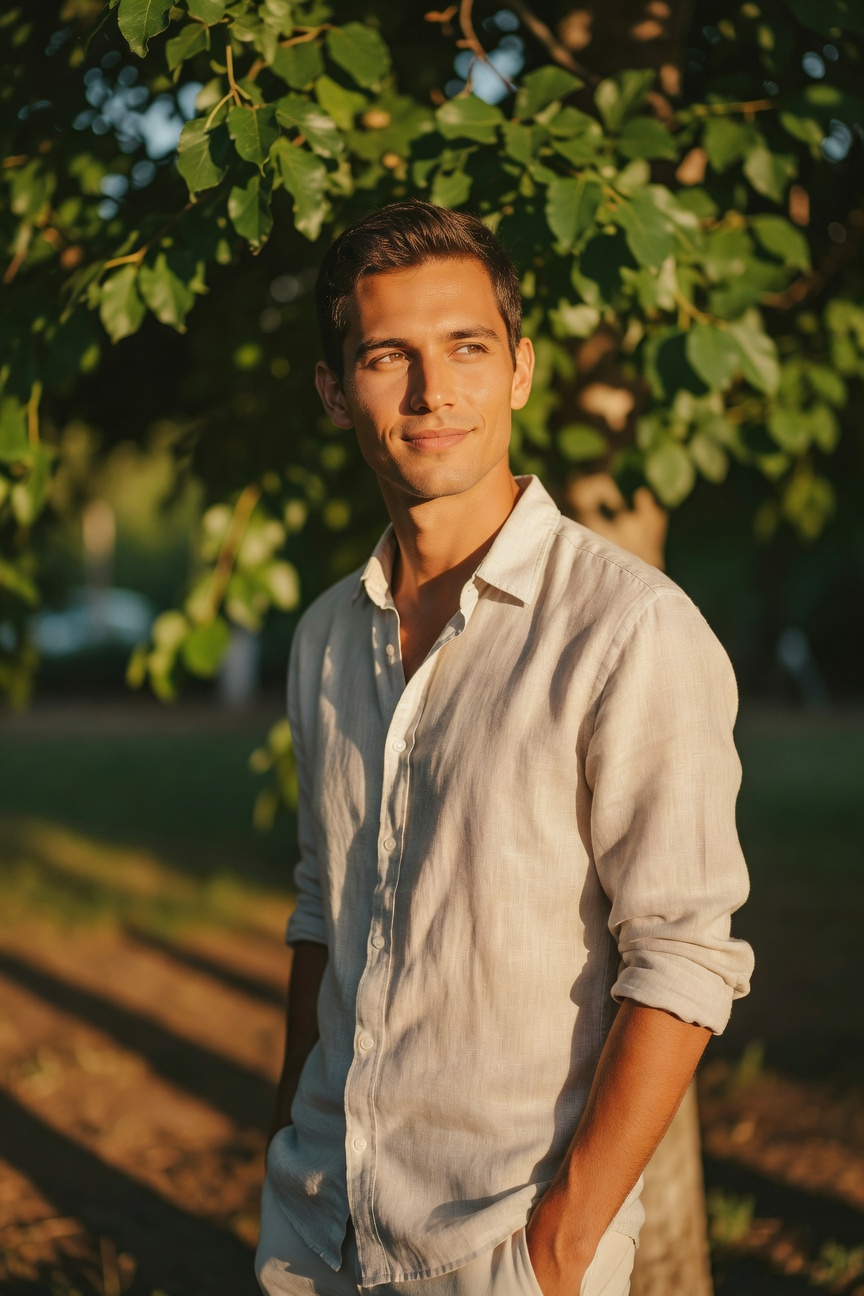 📸
📸Natural Light
Natural Light
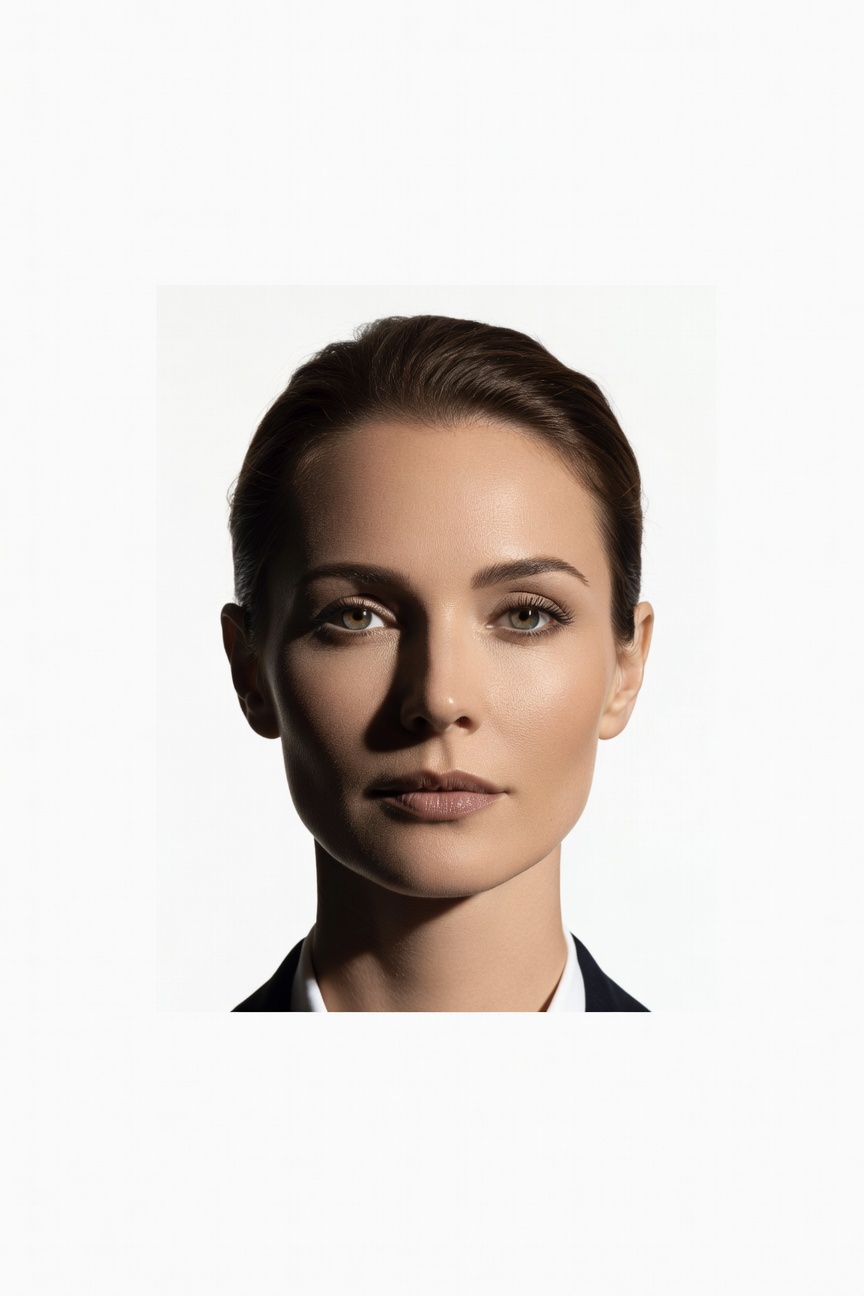 📸
📸Classic Studio
Classic Studio
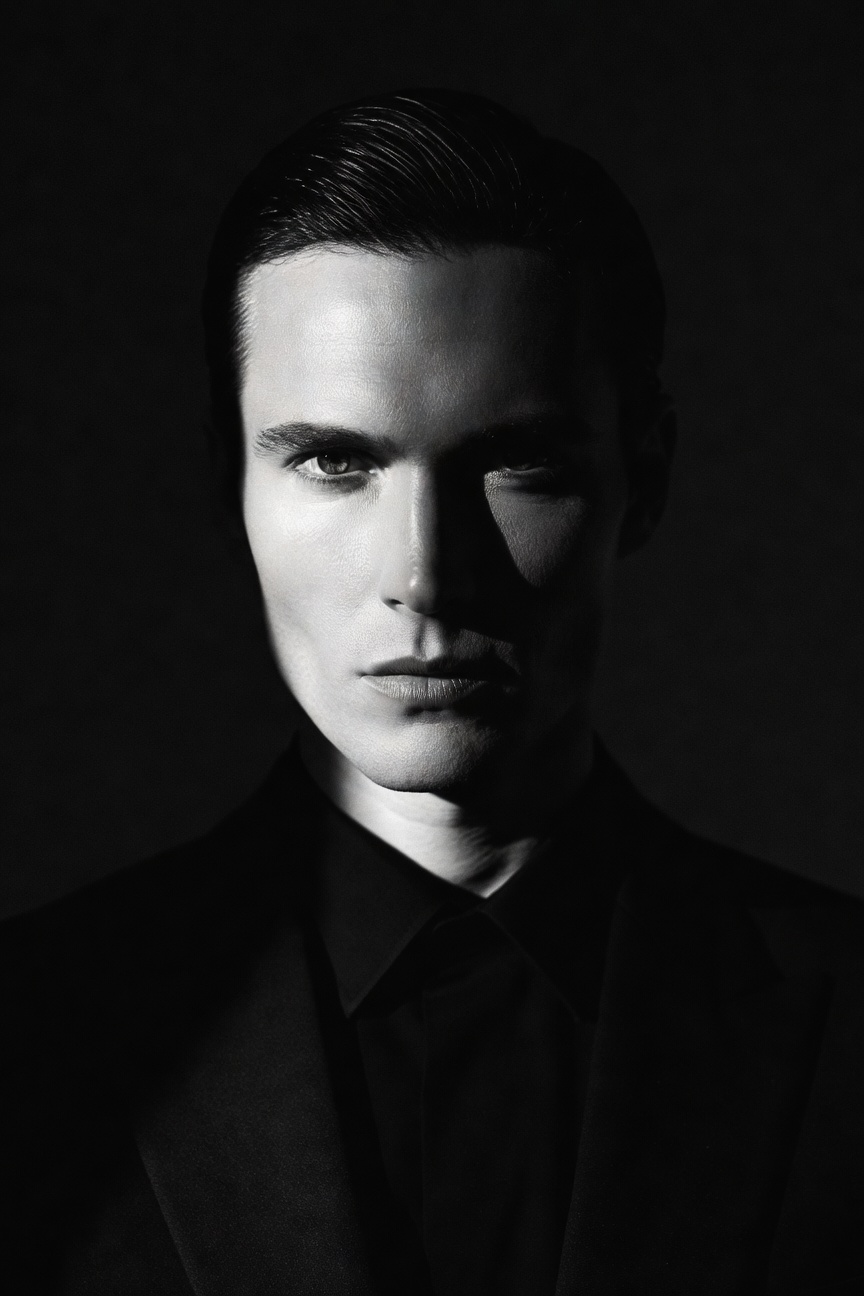 📸
📸Monochrome B&W
Monochrome B&W
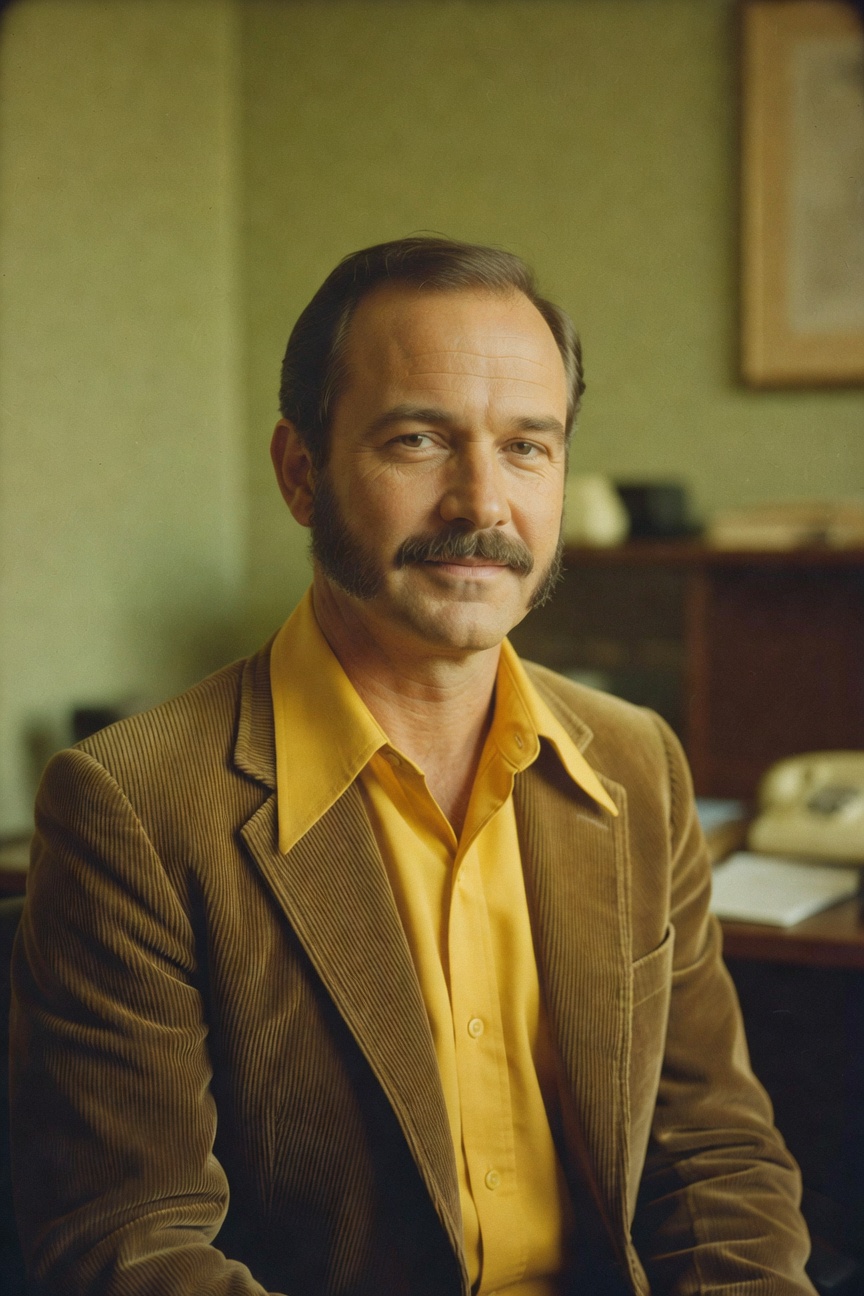 📸
📸Retro Vintage
Retro Vintage
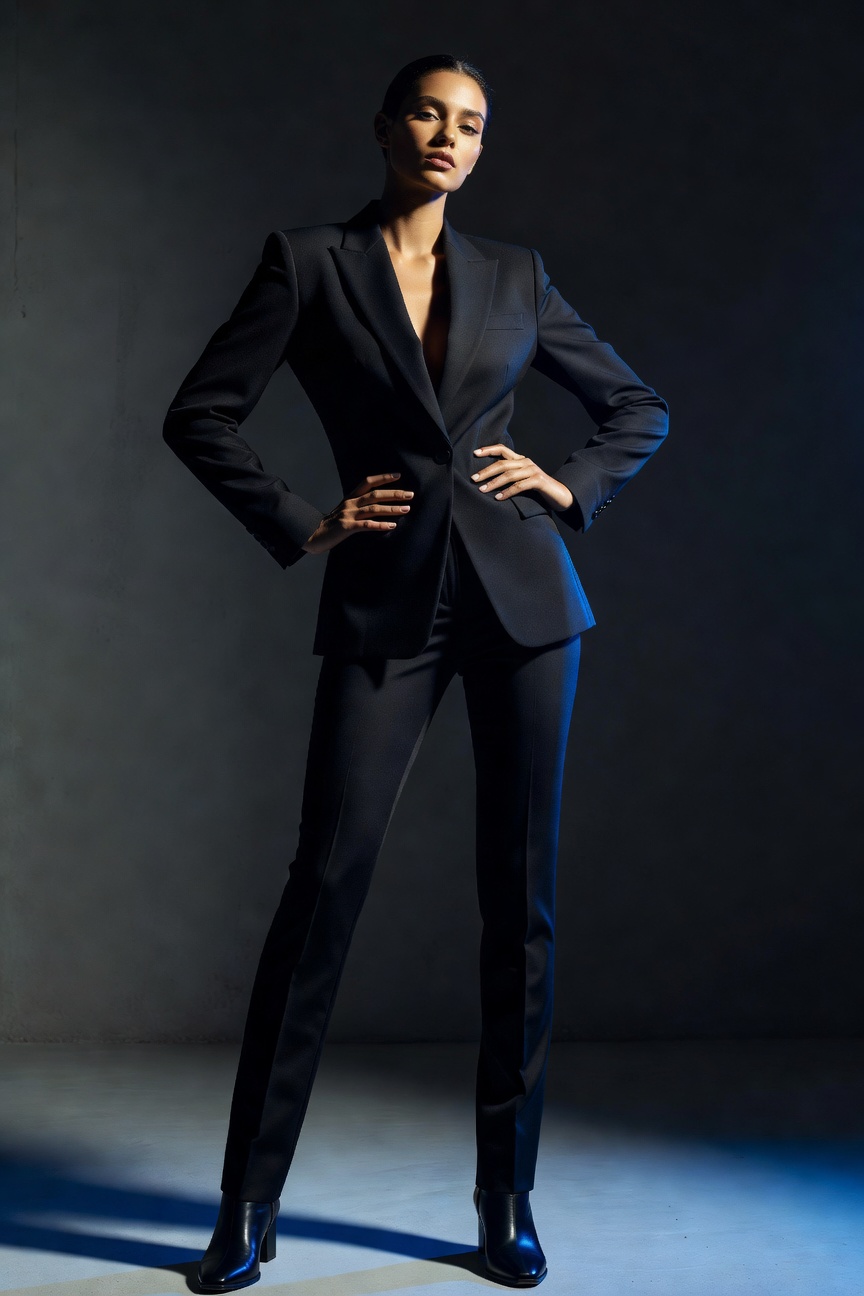 📸
📸Fashion Editorial
Fashion Editorial
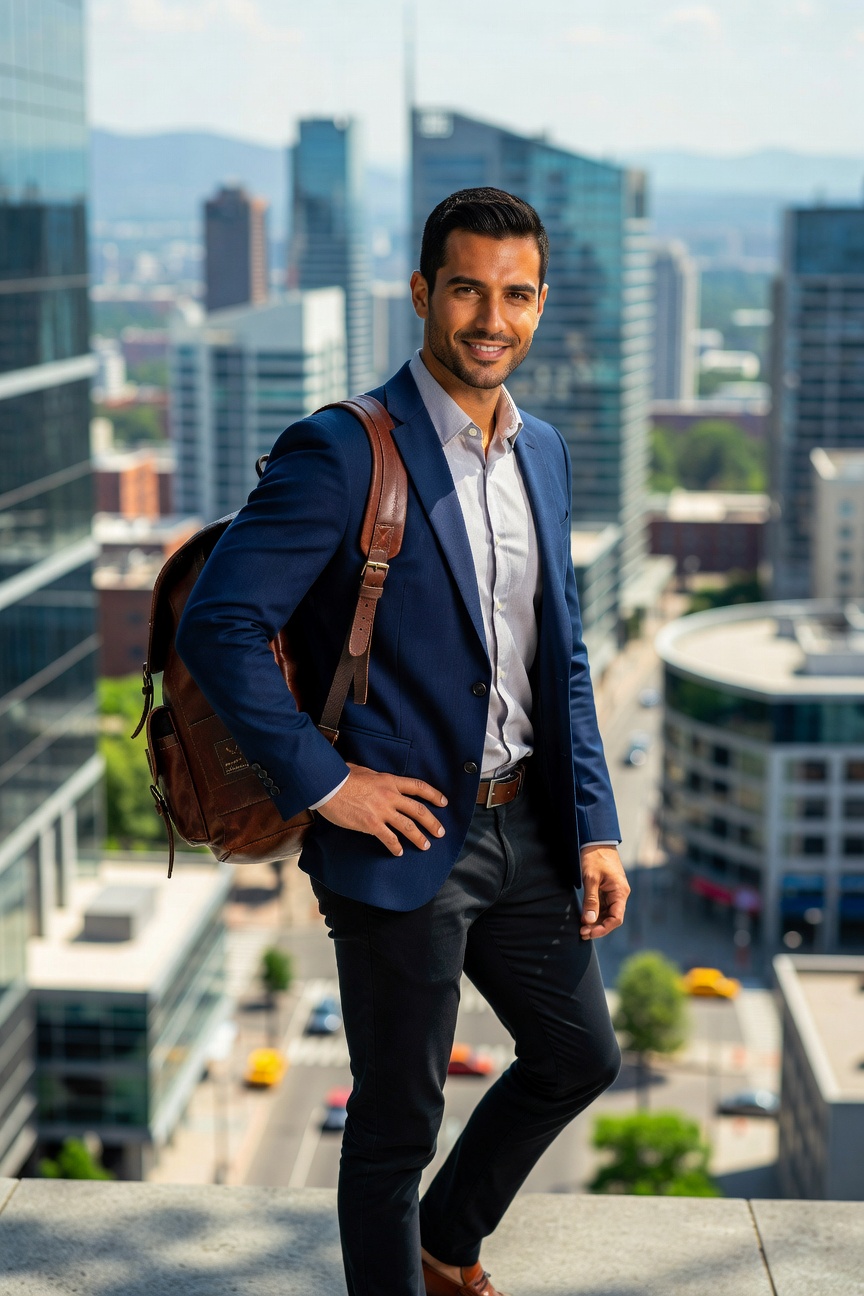 📸
📸Outdoor Lifestyle
Outdoor Lifestyle
Browse 30+ styles in the app — corporate, LinkedIn, natural, studio, monochrome, retro, fashion, outdoor, and more.
Perfect for Every Professional and Creative Need
Whether you need headshots for LinkedIn, a business portrait, or a creative profile photo — SelfAI has you covered.
LinkedIn Profile
Create professional LinkedIn headshots that make a strong first impression on recruiters and connections
Resume & CV
Clean, polished headshots for job applications — optimized for ATS and hiring manager review
Business Profiles
Professional portraits for company websites, team pages, and digital business cards
Dating Profiles
Look your best on dating apps with natural, attractive profile photos that feel authentic
Social Media
Create polished, consistent profile photos for Instagram, Twitter, TikTok, and other platforms
Personal Brand
Professional photos for your personal website, newsletter, podcast, or thought leadership content
Founder & Startup
Investor-ready headshots for pitch decks, AngelList, startup directories, and press kits
Email Signature
Professional headshots that make your email signature look polished and trustworthy
Creator Economy
Studio-quality photos for YouTube channel art, Patreon profiles, and creator platforms
Student & Intern
Professional photos for university profiles, LinkedIn, and your first job applications
SelfAI AI Headshots vs Traditional Photography
Skip the expensive photoshoot. Get professional-quality AI headshots in minutes.
| Feature | SelfAI AI Headshots | Professional Photographer | Smartphone Selfie |
|---|---|---|---|
| Cost | Affordable | $$$$+ | Free |
| Turnaround | Minutes | Days to weeks | Immediate |
| Professional Look | ✅ Polished | ✅ Excellent | ❌ Varies |
| 30+ Styles | ✅ Yes | Limited | ❌ No |
| Phone Convenience | ✅ Anywhere | ❌ Studio required | ✅ Anywhere |
| LinkedIn Ready | ✅ Yes | ✅ Yes | ❌ Often not |
| Best For | Fast professional photos | Premium brand shoots | Casual use |
AI headshot quality depends on the uploaded photo. For high-end brand photography or strict corporate requirements, a professional photographer may be a better fit.
Who Is SelfAI AI Headshot Generator Best For?
SelfAI is useful for professionals, creators, job seekers, and anyone who wants better photos without complex tools.
Job Seekers
Best for job seekers who need professional headshots for LinkedIn, CVs, and career pages without a pricey photo session
Entrepreneurs
Best for founders and entrepreneurs who need business portraits for pitch decks, AngelList, and investor profiles
Freelancers
Best for freelancers who need polished profile photos for Upwork, Fiverr, and client proposals
Creators
Best for YouTube creators, podcasters, and influencers who need consistent, professional channel images
Students
Best for students who need professional photos for their first LinkedIn profile, internship applications, or university pages
Remote Workers
Best for remote teams who need consistent, professional headshots for company directories and Zoom profiles
Real Estate Agents
Best for real estate agents and brokers who need professional headshots for listings, business cards, and websites
Consultants
Best for consultants and coaches who need authoritative headshots for websites, speaking profiles, and thought leadership content
Download the AI Headshot Generator App
Available on iPhone and Android. Generate professional AI headshots anywhere, anytime.
SelfAI transforms your everyday selfies into polished professional headshots using advanced generative AI. Choose from 30+ styles, generate in minutes, and download high-quality portraits ready for LinkedIn, resumes, business profiles, and social media — all from your phone or browser.
- 30+ professional AI headshot styles
- Generate in minutes — download instantly
- Available on iPhone, Android, and web
- No photography experience required
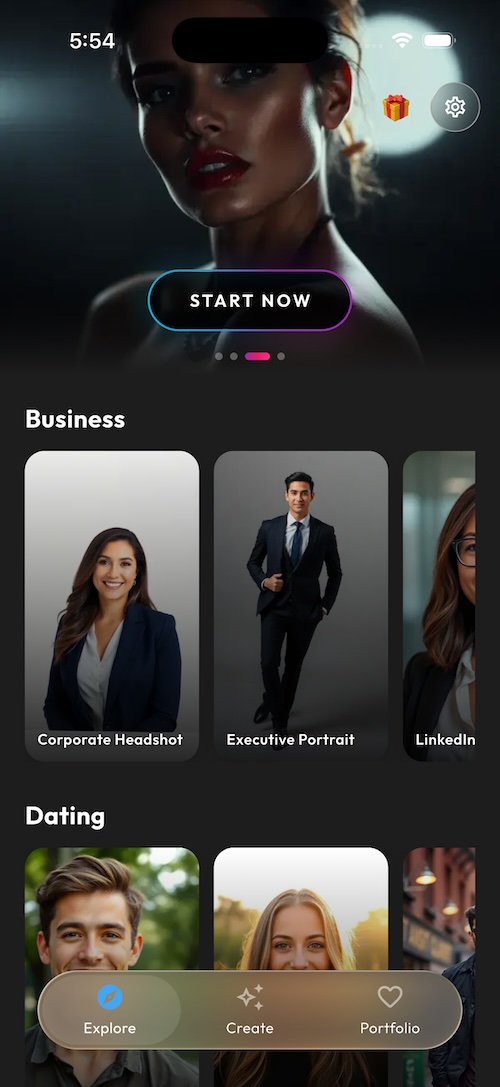
See SelfAI in Action
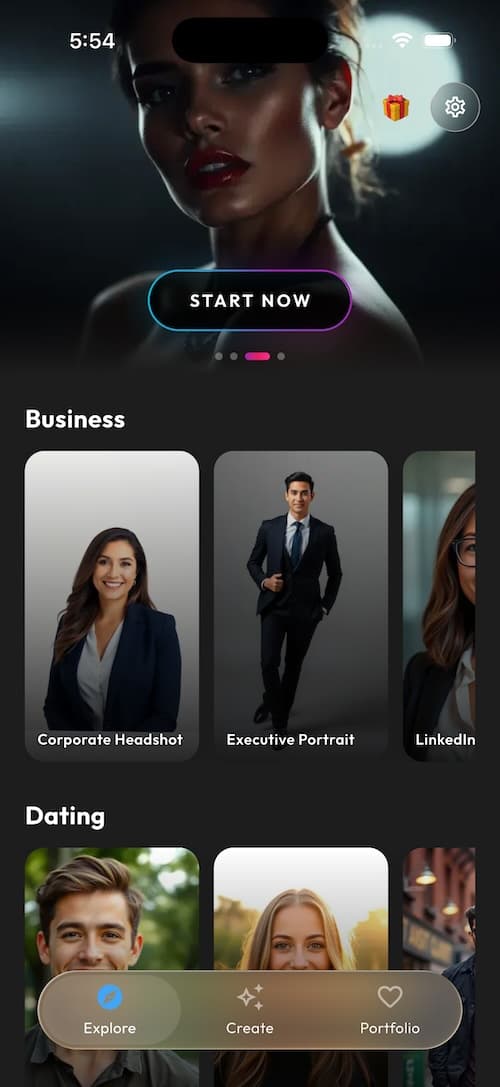
Screenshot 1
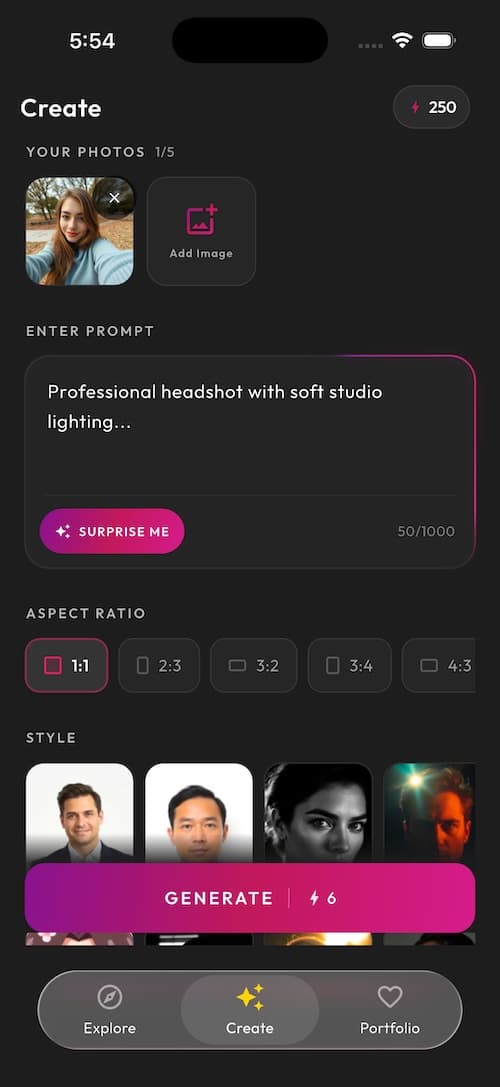
Screenshot 2
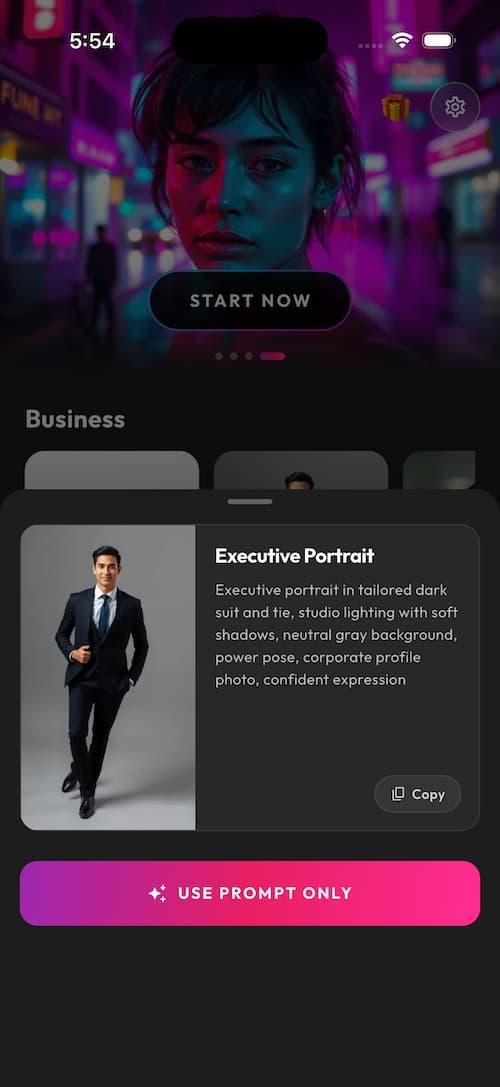
Screenshot 3
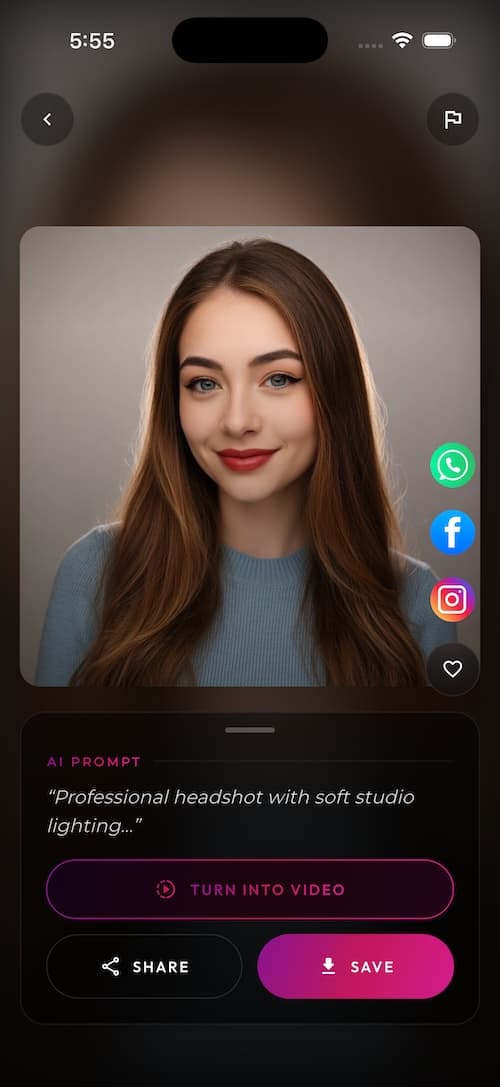
Screenshot 4
Frequently Asked Questions About AI Headshots
Everything you need to know about AI headshot generators, how they work, and what to expect.
What is SelfAI – AI Headshot Generator?
SelfAI is an AI headshot generator and AI photo studio app that transforms everyday selfies into professional-quality headshots, LinkedIn photos, business portraits, and profile pictures using artificial intelligence. It is available on iPhone, Android, and web.
What is an AI headshot generator?
An AI headshot generator is a tool that uses artificial intelligence to turn regular photos or selfies into professional-quality portrait photos. It can create business headshots, LinkedIn photos, resume pictures, corporate portraits, and profile images — without a traditional photo studio, expensive equipment, or photography experience.
How does SelfAI work?
SelfAI works in three steps: first, upload a clear, well-lit selfie or portrait photo. Second, choose from 30+ professional AI headshot styles including corporate, LinkedIn, natural light, studio, monochrome, and more. Third, your AI headshots are generated in minutes and ready to download.
Can AI create professional headshots from my selfies?
Yes. SelfAI's AI headshot generator analyzes your uploaded photo and creates professional-quality portraits with improved lighting, professional backgrounds, and polished presentation. Results depend on the quality of the original photo — clear, well-lit, front-facing photos produce the best AI headshots.
Can I use AI headshots on LinkedIn?
Yes. AI headshots created with SelfAI can be used on LinkedIn when they look professional, realistic, and accurately represent you. Choose clean backgrounds and business-friendly styles — corporate, LinkedIn professional, or natural light — for the best results on professional platforms.
Are AI headshots good for resumes and job applications?
AI headshots can work well for resumes and CV photos in markets where resume photos are expected. In the United States, many resumes do not include photos — check local hiring norms and employer requirements before adding a photo to your resume.
How many photos should I upload for AI headshots?
Upload one good photo to get started. Clear, well-lit, front-facing photos with your full face visible and minimal background distractions produce the best AI headshot results.
What styles are available in SelfAI?
SelfAI offers 30+ professional AI headshot styles including: Corporate Executive, LinkedIn Professional, Natural Light, Classic Studio, Monochrome Black & White, Retro Vintage, Fashion Editorial, Outdoor Lifestyle, Business Formal, Creative Portrait, and many more.
Is SelfAI available on iPhone and Android?
Yes. SelfAI is available on iPhone via the Apple App Store and on Android via Google Play. A web version is also available at app.selfaiphoto.com.
Can I use SelfAI on a computer or web browser?
Yes. SelfAI is available as a web app at app.selfaiphoto.com, so you can use it in any modern browser on your computer, tablet, or phone.
Do I need photography experience to use SelfAI?
No experience is needed. SelfAI is designed to be simple — upload a photo, choose a style, and get professional AI headshots in minutes. The AI handles all the technical work.
How long does it take to generate AI headshots?
SelfAI generates professional AI headshots in minutes after you upload your photo and select a style. The exact time depends on the selected style and server load.
What makes a good photo to upload for AI headshots?
The best photos for AI headshots are: clear and sharp (not blurry), well-lit from the front, show your full face without sunglasses or hats, have a relatively simple background, and are taken at eye level. Good lighting is the single most important factor for high-quality AI headshot results.
Can AI headshots replace a professional photographer?
AI headshots are a fast and affordable alternative for many use cases — LinkedIn, resumes, business profiles, social media, and personal branding. For high-end brand photography, complex lighting setups, team photoshoots, or strict corporate requirements, a professional photographer may still be the better choice.
Are AI headshots realistic?
Good AI headshot generators can produce realistic, professional-looking portraits when the uploaded photo is clear and high quality. SelfAI aims to create natural-looking results that preserve your appearance. Results vary based on the input photo quality, face visibility, and selected style.
Is my photo data secure with SelfAI?
SelfAI takes user privacy seriously. Uploaded photos are processed securely to generate your AI headshots and are not shared with third parties for advertising. Review our privacy policy for full details on data handling and retention.
Who is SelfAI best for?
SelfAI is useful for: job seekers who need LinkedIn and resume photos, entrepreneurs and founders who need business portraits, freelancers who need polished profile photos, students preparing for their first professional profile, remote teams who need consistent headshots, real estate agents, consultants, coaches, content creators, and anyone who wants professional photos without a traditional photoshoot.
How is SelfAI different from regular photo editing apps?
Regular photo editing apps adjust brightness, contrast, and filters on your existing photo. SelfAI's AI headshot generator uses generative AI to create new, professionally composed portrait photos — with new backgrounds, lighting, and styles — based on your uploaded selfie. The result is closer to a studio photoshoot than a photo edit.
Still have questions? Contact our team